 WalthropeIoT
ESP32 · GSM
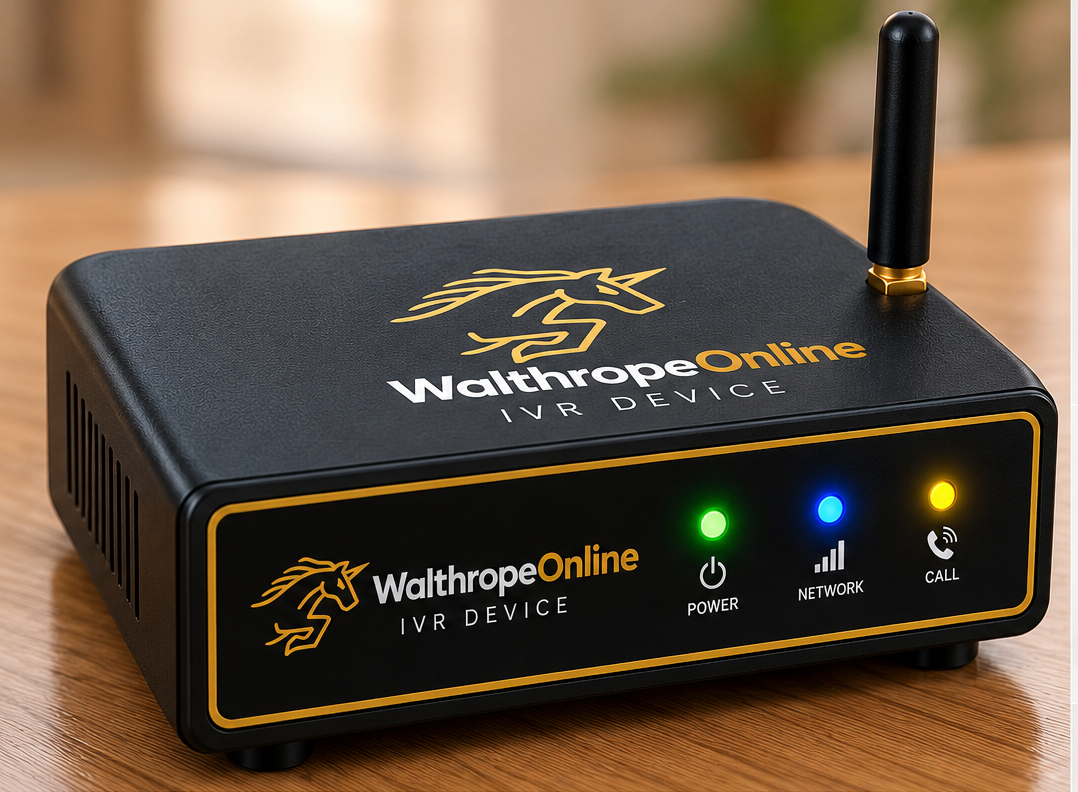
For outgoing and incoming voice calls. Your portal uploads a short announcement and asks WalthropeIoT to call a number or also receives incoming calls. The device dials and plays the recording on the call or also connects clients to departments
1. Turn on Voice calls under Choose devices.
2. Pair the TTGO T-Call with the ID printed on the board.
3. Upload an 8000 Hz mono WAV, or POST the file to /api/v1/ivr/recordings/ signed with your company secret.
4. POST /api/v1/ivr/calls/ with the destination in international format and the recording id.
5. WalthropeIoT posts each call event to your HTTPS callback.
| Kind | Field | Meaning |
|---|---|---|
| Command | call | Place a call |
| Telemetry | destination | Destination |
| Telemetry | event | Call event |
HTTP /api/v1/ivr/calls/
MQTT walthrope/{project}/devices/{id}/telemetry